Technology is amazing — until it suddenly stops working when you need it most. Whether it’s a smartphone, laptop, or tablet, devices can shut down or malfunction without warning. But behind every sudden crash or failure, there’s usually a clear reason. Here’s a breakdown of the most common causes and what you can do about them.
1. Power Supply Issues
The most common culprit behind sudden shutdowns is a power problem.
- Your charger might be faulty or incompatible.
- The power cable could be damaged.
- Internal battery issues can also cause your gadget to power off unexpectedly.
Fix it:
Always use the original charger and cable that came with your device. If it still doesn’t turn on, try charging it with a known working adapter or test a different outlet.
2. Battery Failure
Batteries wear out over time. If your device suddenly dies or only works when plugged in, the battery might be at the end of its life. Swollen batteries or ones that drain too fast are clear warning signs.
Fix it:
Check your battery health in settings (if available) or take it to a repair shop for a replacement. Avoid using third-party or low-quality batteries — they can damage your device further.
3. Overheating
When a gadget gets too hot, it automatically shuts down to prevent hardware damage. Overheating can be caused by:
- Continuous heavy use (like gaming or video editing)
- Blocked air vents or fans
- Charging while using intensive apps
Fix it:
Turn off your device and let it cool down completely. Avoid using it in hot environments or under direct sunlight. Regularly clean vents and fans for laptops.
4. Software Glitches or System Errors
A bad update, corrupted file, or buggy app can cause sudden crashes or freezing. Even a full storage drive can slow performance and trigger automatic restarts.
Fix it:
Restart your gadget, clear temporary files, and uninstall any recently downloaded apps. If the problem persists, perform a software update or factory reset after backing up your data.
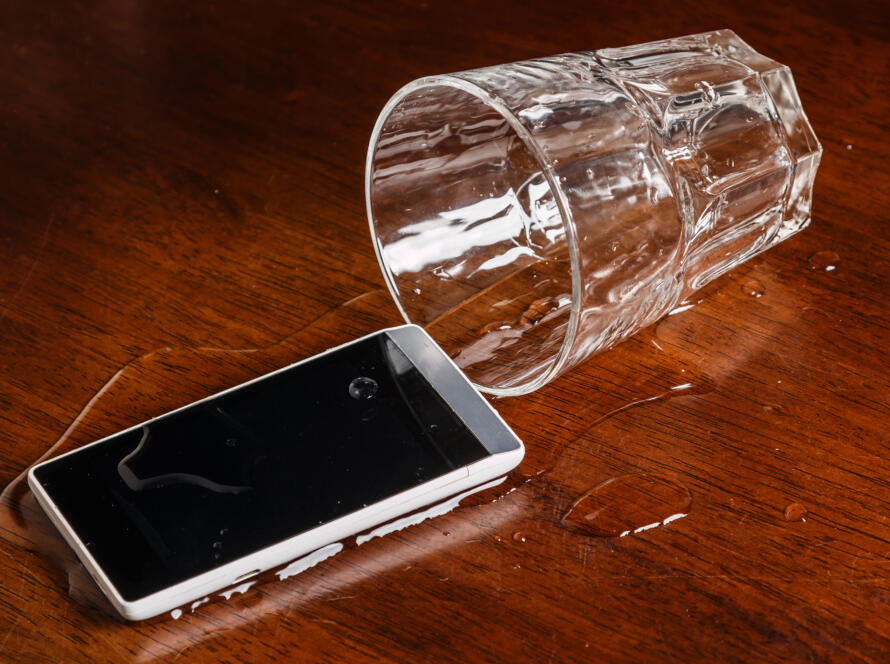
5. Water or Moisture Damage
Even a small splash or high humidity can affect internal circuits. Devices exposed to water might work fine for a few hours before shutting down completely.
Fix it:
Turn off the gadget immediately and dry it thoroughly using silica gel packets (not rice). If it doesn’t power on after 24–48 hours, take it to a technician for internal cleaning.
6. Hardware Malfunctions
Sometimes the issue lies within the internal components — such as a loose connector, damaged motherboard, or faulty screen. These issues often show up as flickering displays, unresponsive touch, or random shutdowns.
Fix it:
Hardware faults usually need professional diagnosis. Avoid opening the device yourself unless you’re trained.
7. Malware or Virus Infection
Malicious software can cause system instability, battery drain, and even complete shutdowns. It’s especially common in devices that install apps from unverified sources or lack antivirus protection.
Fix it:
Run a virus scan using a trusted security app. Delete suspicious files or apps, and keep your software updated to protect against new threats.
8. Storage or Memory Overload
When your device’s storage or RAM gets full, it struggles to run apps properly and may crash without warning.
Fix it:
Free up space by deleting unused apps, old media, and junk files. Move large files to cloud storage or an external drive.
9. Faulty Updates or Corrupted Firmware
Sometimes, a system update doesn’t install correctly — leading to boot loops or startup failures.
Fix it:
Try booting into safe mode or recovery mode to reinstall the system update. If that fails, visit an authorized service center for firmware reinstallation.
10. Physical Damage
A fall, impact, or bending can damage internal components even if there’s no visible crack on the outside.
Fix it:
Inspect for dents, loose buttons, or screen issues. If something seems off, don’t force it on — get a professional to check for internal damage.
Final Thoughts
Your gadget won’t stop working “out of nowhere.” There’s always an underlying cause — whether it’s power-related, software-based, or physical damage. By understanding these reasons and taking quick action, you can often fix minor issues before they turn into major ones.