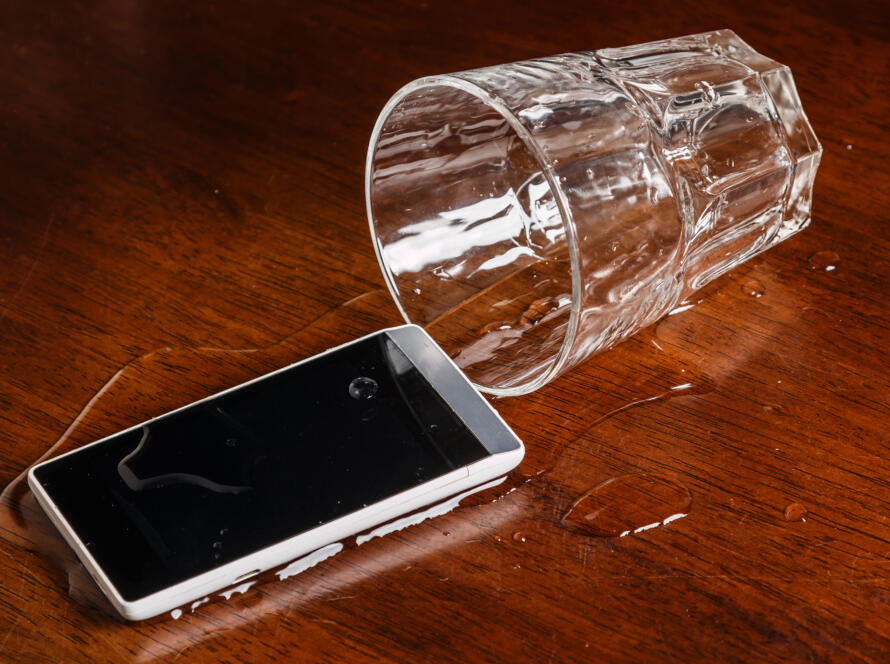
No matter how advanced technology gets, gadgets still find ways to give us trouble. From phones that freeze to laptops that slow down, these problems are super common — and thankfully, most can be fixed without a trip to the repair shop. Here’s a practical guide to help you troubleshoot the most common gadget issues quickly and safely.
1. Phone Not Charging Properly
Possible Causes:
- Damaged charging cable or adapter
- Dust or debris in the charging port
- Battery health deterioration
Quick Fixes:
- Try a different cable and adapter.
- Gently clean the charging port using a soft brush or toothpick.
- Restart the phone and check if it charges.
- If the problem continues, get the battery checked by a technician.
2. Slow or Lagging Smartphone
Possible Causes:
- Too many apps running in the background
- Low storage space
- Outdated software
Quick Fixes:
- Clear cache and close unused apps.
- Uninstall unnecessary apps and media.
- Update your phone to the latest software version.
- Restart it once a week to keep performance smooth.
3. Laptop Overheating
Possible Causes:
- Blocked air vents
- Dust inside the cooling fan
- Running heavy applications continuously
Quick Fixes:
- Place the laptop on a flat, hard surface to improve airflow.
- Clean the vents with compressed air.
- Avoid using the laptop on soft surfaces like beds or couches.
- Use a cooling pad if you work long hours.
4. Wi-Fi Connectivity Problems
Possible Causes:
- Router signal issues
- Network congestion
- Software glitches
Quick Fixes:
- Restart your router and device.
- Forget and reconnect to the Wi-Fi network.
- Move closer to the router for a stronger signal.
- Update your device’s network drivers or firmware.
5. Unresponsive Touchscreen
Possible Causes:
- Dirty screen surface
- Minor software crash
- Screen protector interference
Quick Fixes:
- Clean the screen with a microfiber cloth.
- Restart your device.
- Remove the screen protector and check responsiveness.
- If it still doesn’t work, boot into safe mode (for Android) or reset touch calibration (for iPhone).
6. Battery Draining Too Fast
Possible Causes:
- High screen brightness
- Background apps consuming power
- Battery health decline
Quick Fixes:
- Lower screen brightness or turn on battery saver mode.
- Disable background app refresh.
- Turn off Bluetooth, GPS, and Wi-Fi when not needed.
- Replace the battery if it’s old or swollen.
7. Frozen Screen or Device Crashes
Possible Causes:
- Software bug
- Insufficient memory
- Overheating
Quick Fixes:
- Force restart the device.
- Update software or apps to fix bugs.
- Free up memory by deleting unnecessary files.
- If it happens frequently, consider a factory reset after backing up data.
8. Camera Not Working
Possible Causes:
- App permission issues
- Software glitch
- Hardware malfunction
Quick Fixes:
- Restart the phone or camera app.
- Check camera permissions in settings.
- Clear the camera app’s cache.
- If the issue persists, get the camera module checked by a professional.
Final Tips for Keeping Gadgets Healthy
- Keep your devices updated with the latest software.
- Use original chargers and accessories.
- Protect them with covers and cases.
- Avoid extreme temperatures.
- Regularly back up your data.
Conclusion
Most gadget problems aren’t as serious as they seem. With a little patience and the right steps, you can fix many issues at home. But if your device doesn’t respond even after trying these methods, it’s best to take it to a certified technician — a small fix early can save you from a big repair bill later..